Companion Mods
Enhance your Erenshor experience with real-time tracking on the interactive maps.
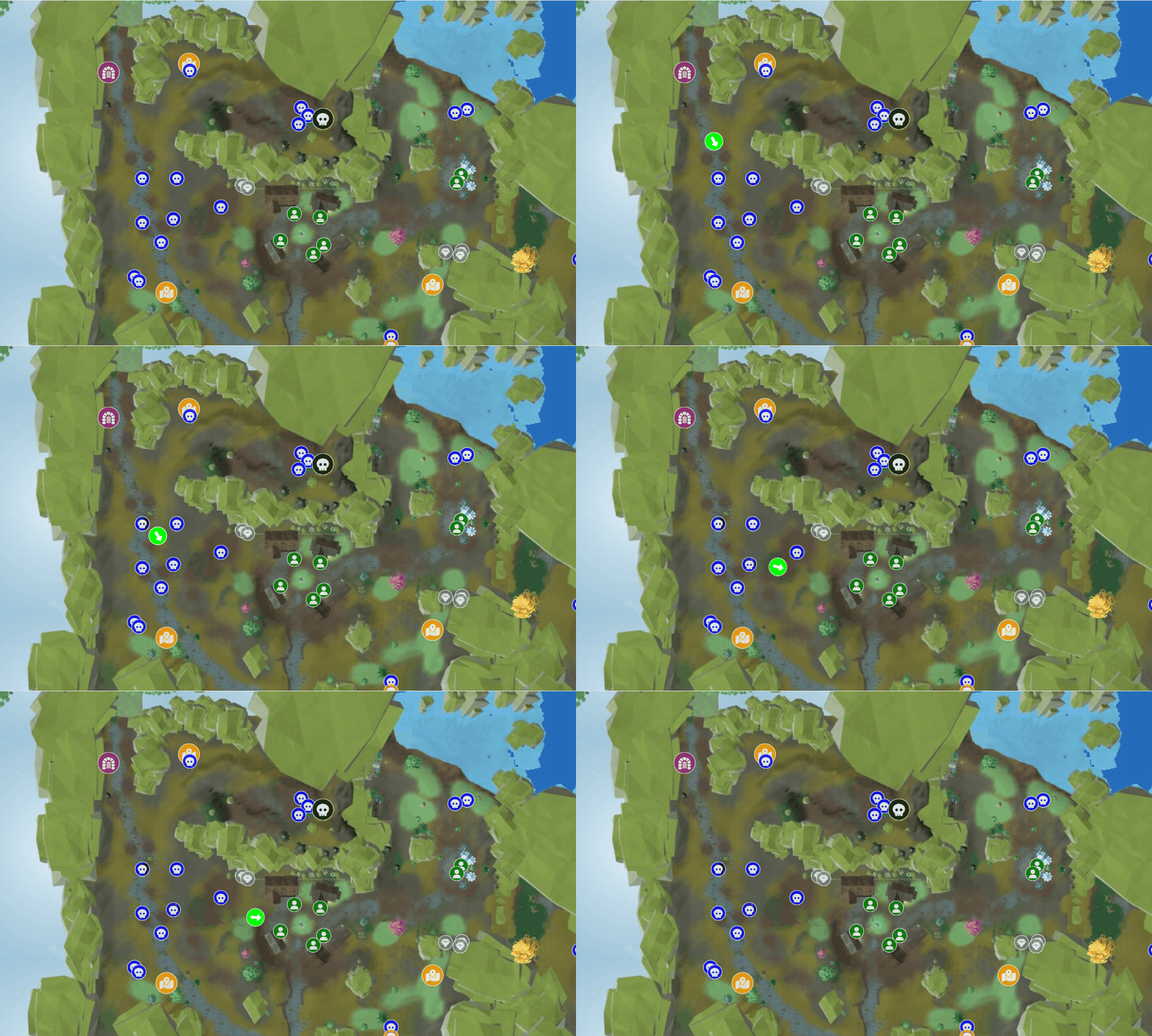
World Map Companion
CURRENTReal-time entity tracking for the interactive world map
Features
- Live entity tracking (player, NPCs, enemies, pets)
- Auto-Follow Player mode
- In-game map overlay (press M, configurable)
Zone Maps Companion
LEGACYReal-time player tracking for legacy per-zone maps
Features
- Live player tracking for zone maps
Installation Guide
1 Install BepInEx
Download and install BepInEx 5.4 to your Erenshor game directory. BepInEx is a mod loader for Unity games.
Extract the BepInEx archive to your Erenshor game folder. Your directory structure should look like:
Erenshor/
├── BepInEx/
│   ├── config/
│   ├── plugins/
│   ├── patchers/
│   ├── core/
│   └── ...
├── doorstop_version
├── changelog.txt
├── doorstop_config.ini
├── winhttp.dll
├── Erenshor.exe
└── ...
2 Download & Install Mod
Click the mod's Download button above to get the mod DLL file.
Extract the DLL to your BepInEx plugins folder:
For World Map:
Erenshor/BepInEx/plugins/InteractiveMapCompanion.dll
For Zone Maps:
Erenshor/BepInEx/plugins/InteractiveMapsCompanion.dll
3 Configure BepInEx
A Unity security update requires a configuration change. Open your BepInEx configuration file:
Erenshor/BepInEx/config/BepInEx.cfg
Find the [Chainloader] section and change:
HideManagerGameObject = falseTo:
HideManagerGameObject = trueThen find the [Logging.Console] section and change:
Enabled = falseTo:
Enabled = true4 Launch the Game
Start Erenshor. The mod will load automatically with BepInEx on game launch.
You should see the mod initializing in the BepInEx console.
5a Use on the World Map
Open the world map in your browser while the game is running.
Toggle "Enable Live Mode" in the sidebar.
The positions of your character, enemies, NPCs, and pets should appear on the map
in real-time.
Troubleshooting
Mod not showing up
Check the BepInEx console (should pop up when the game launches). Look for any error messages related to the mod.
Position not updating on the map
Make sure you have enabled Live Mode in the map sidebar.
Need more help?
See the Erenshor Modding guide on Steam for comprehensive setup instructions and additional troubleshooting.